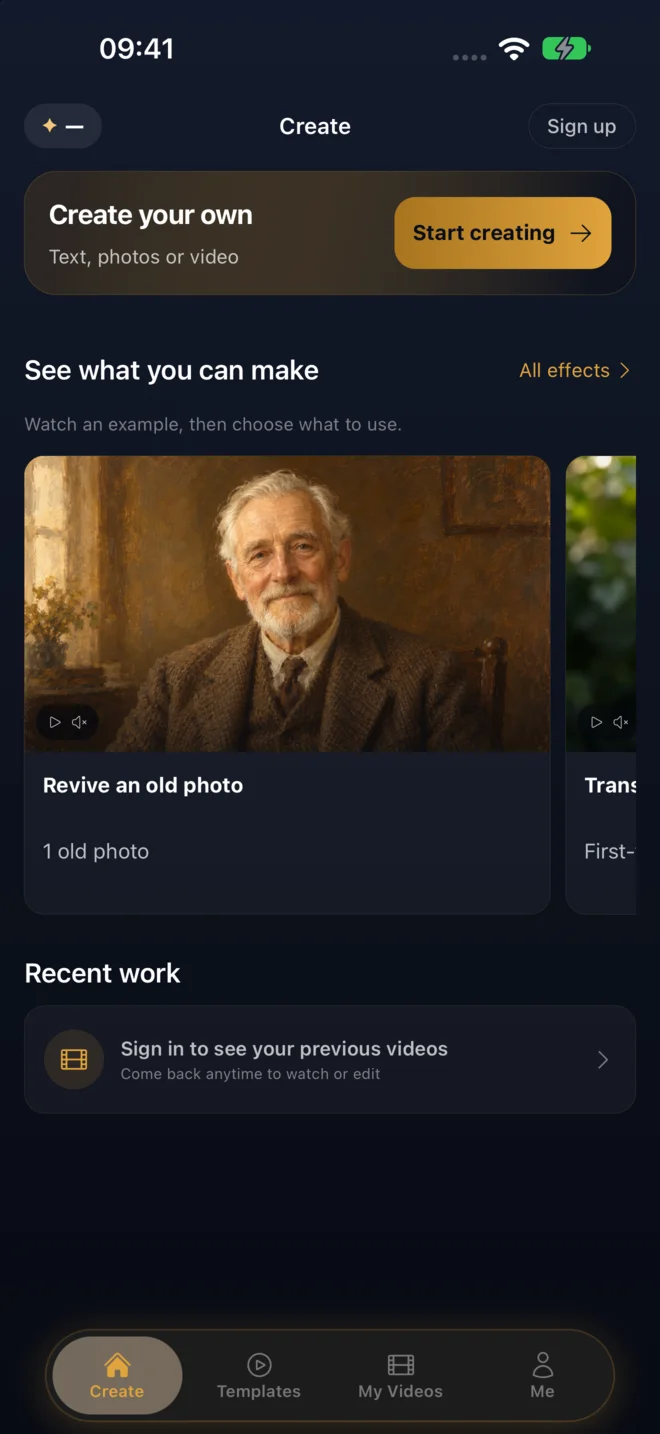
Create your own
Start with text, a photo, or reference media. Choose a creation type; you can also edit or extend a completed clip you made.
A little idea. A moving story.
Make a portrait speak. Bring a painting to life. Turn an idea into a scene. Start with your own media, or watch an effect and make it yours.
 A painted portrait
Make it your way
Both paths lead to the same creation space. Choose the kind of video, add your own media, and review the cost before you generate.
Start with text, a photo, or reference media. Choose a creation type; you can also edit or extend a completed clip you made.
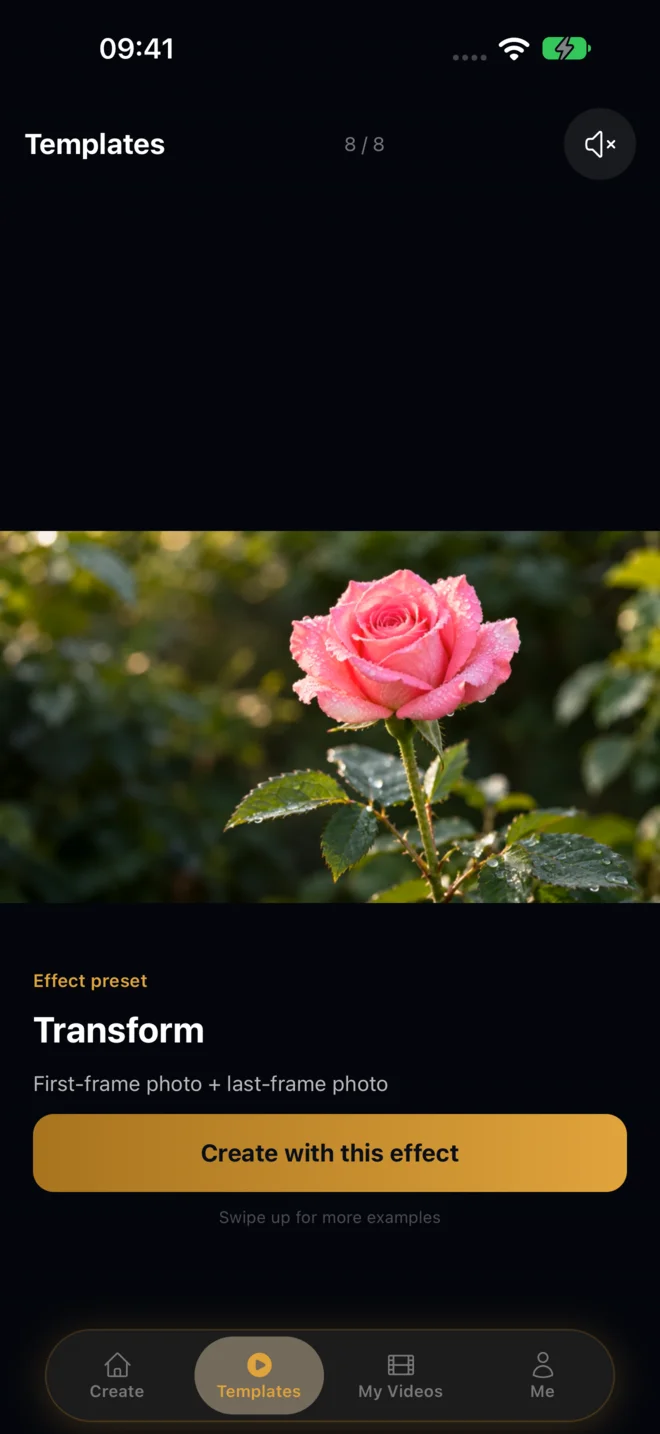
Swipe through video previews in Templates. Choose an effect preset, then add your own media and adjust the direction before generating.
Actual generated clips
Play the full samples, with their original framing. A still portrait, a pair of frames, a few words—each starts a different kind of video.
Choose by what you have
Create from words, animate images with an optional ending frame, or follow reference media. Make it talk is an effect shortcut. Edit and Extend start from your own finished cloud clips.
Type the words or add a supported audio file or recording. Describe the delivery, expression, and scene.
Add a glance, a smile, a breeze, or a camera move. Choose portrait or landscape for the story you want to tell.
Describe the subject, action, and setting. Add dialogue when you want the generated scene to speak.
Choose an opening and ending frame, then describe the transition between them.
Add reference images, video, or audio. Insert a media reference into your prompt to describe which subject, movement, or sound to follow.
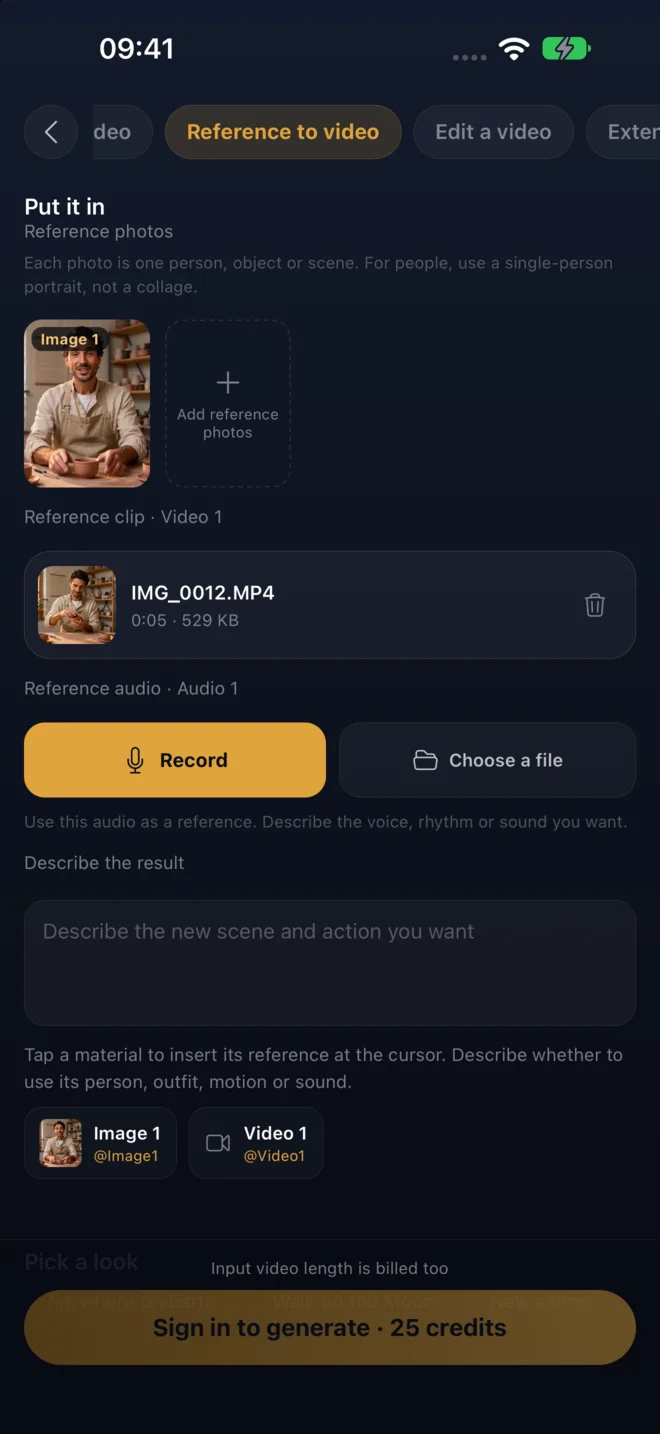
Inside the app
Use Create your own, or watch an effect in Templates and open its creation form.
Choose the input type, add your media and directions, then review duration, framing, quality, and the Credit quote.
Generation continues in the background. Open My Videos to watch and save the result, or edit and extend an eligible clip you made.
Clear before you create
Talking Photo asks only for the files you choose. The app shows the Credit cost before generation and keeps cloud media for a limited delivery window.
Your next photo already has a line
The public mobile release is being prepared. Watch the samples now and come back for the download.