
Product guide
Talking Photo on the web and in the iOS app
On the website, add one clear photo and type what you want it to say. Explore the iOS app for more ways to create, edit, and extend videos.
How to make a photo talkStart withWhere to createWhat you can do
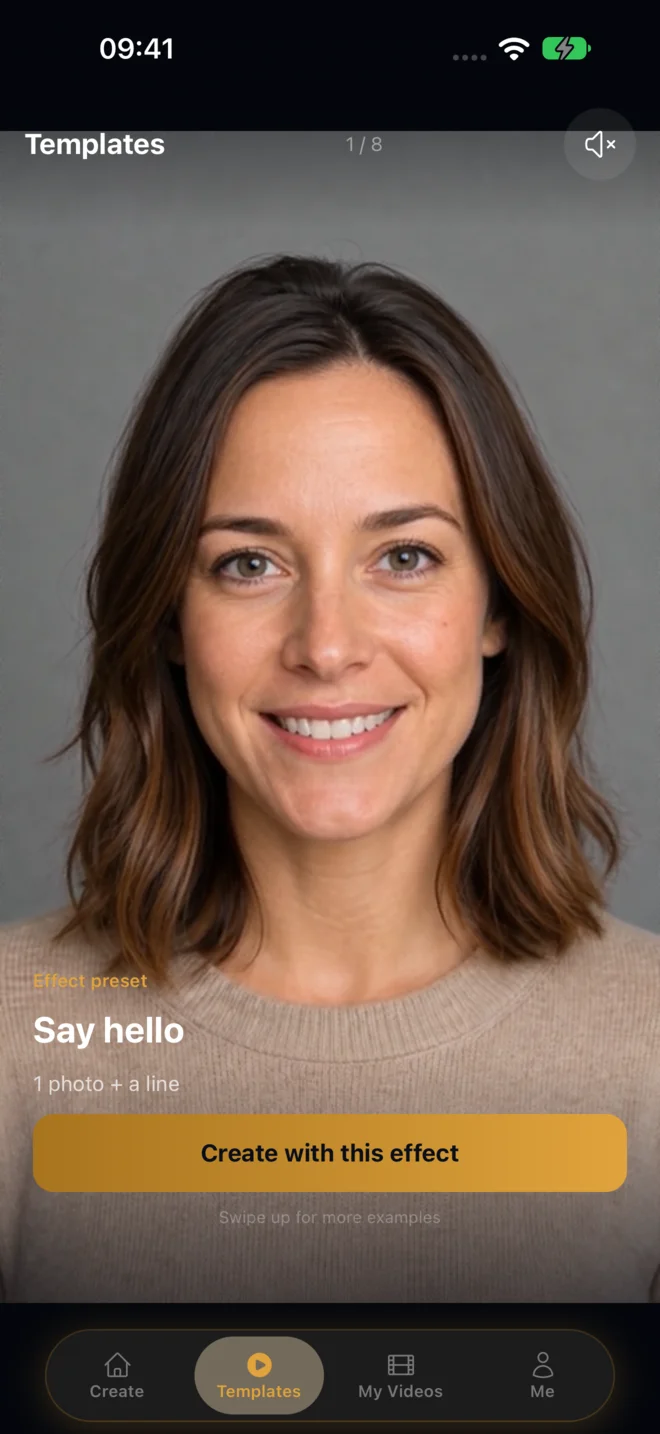
01One photo and a line to typeWebsite · Talking photoTurn a photo into a speaking video with a built-in voice.
02One photo and your own voiceiOS app · Make a photo talkRecord your voice or upload a supported audio file that’s 2–30 seconds long.
03Your own photos for a templateiOS app · TemplatesPreview a template and add the photo or role photos it asks for.
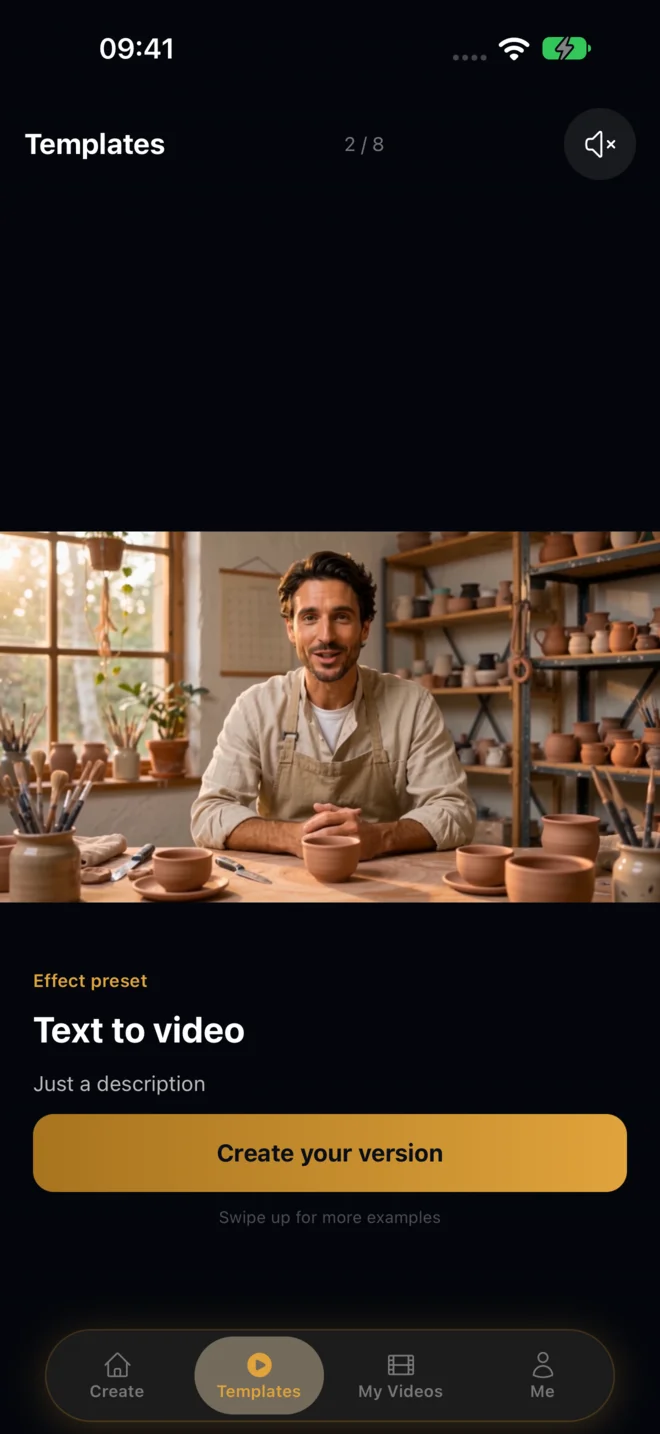
04A written descriptioniOS app · Text to videoCreate a short scene from your description.
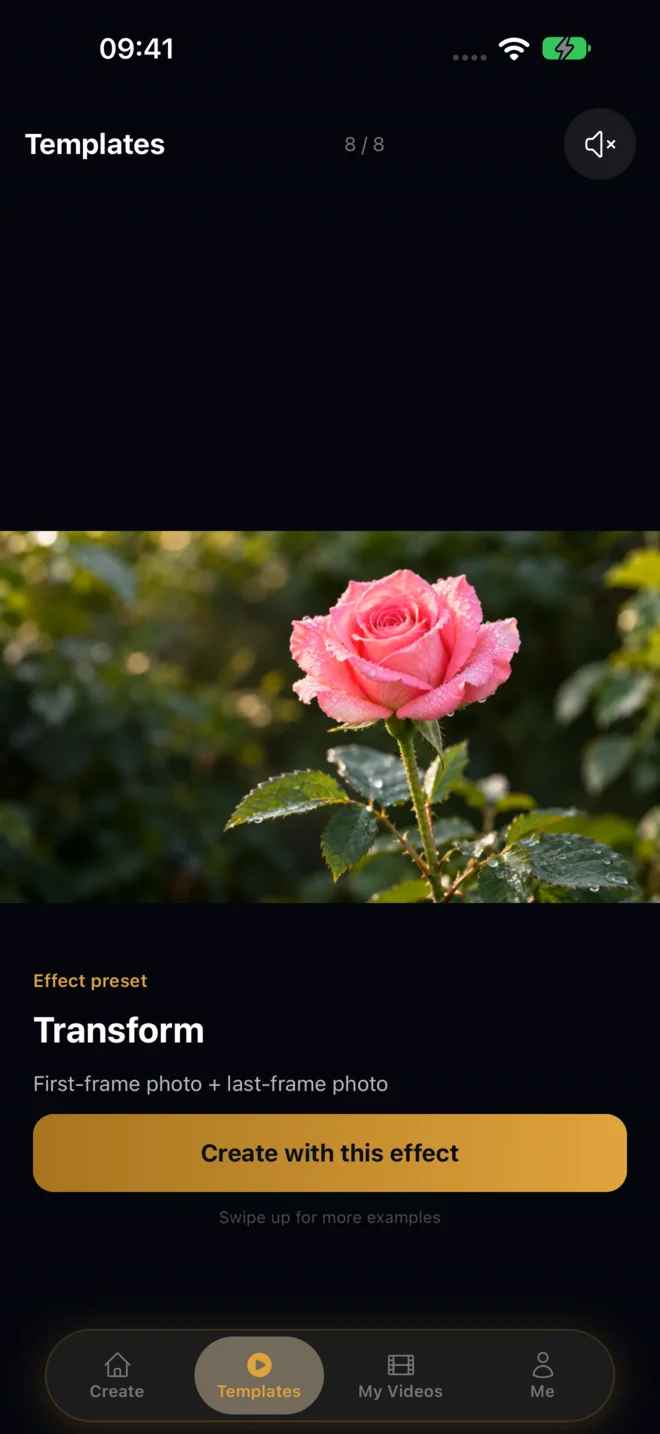
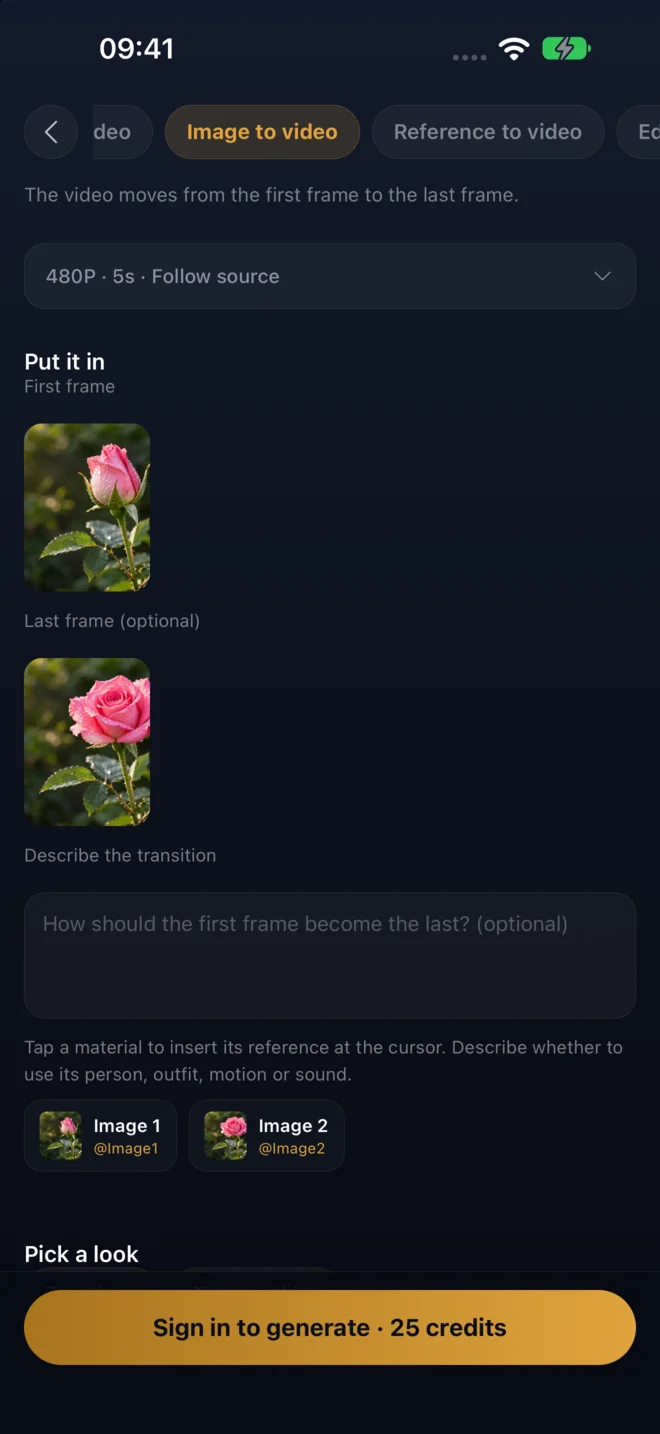
05A first image and an optional last imageiOS app · Image to videoAnimate one image or guide the video from its first frame to its last.
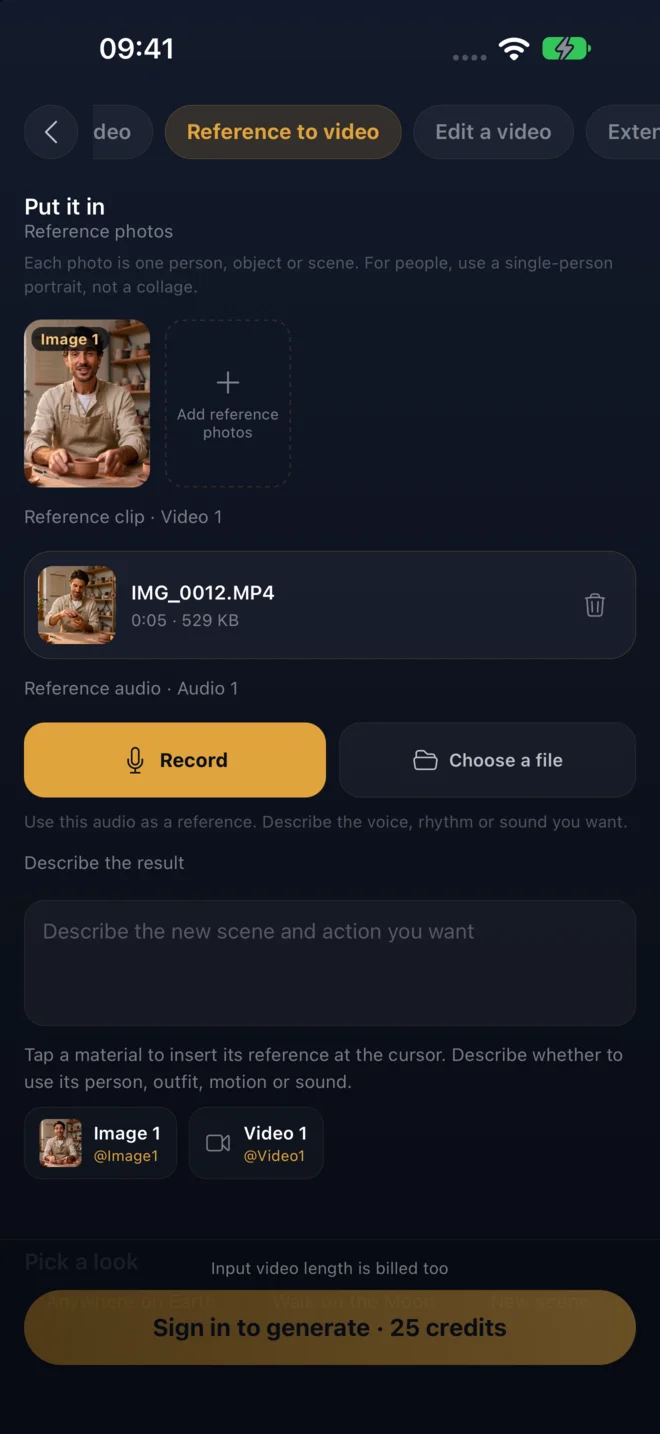
06Reference images with optional video or audioiOS app · Reference to videoUse your reference media and a description to guide a new scene.
07A finished, unexpired video you madeiOS app · Edit or extend a videoOpen an eligible video from My Videos and describe how to change it or continue it.
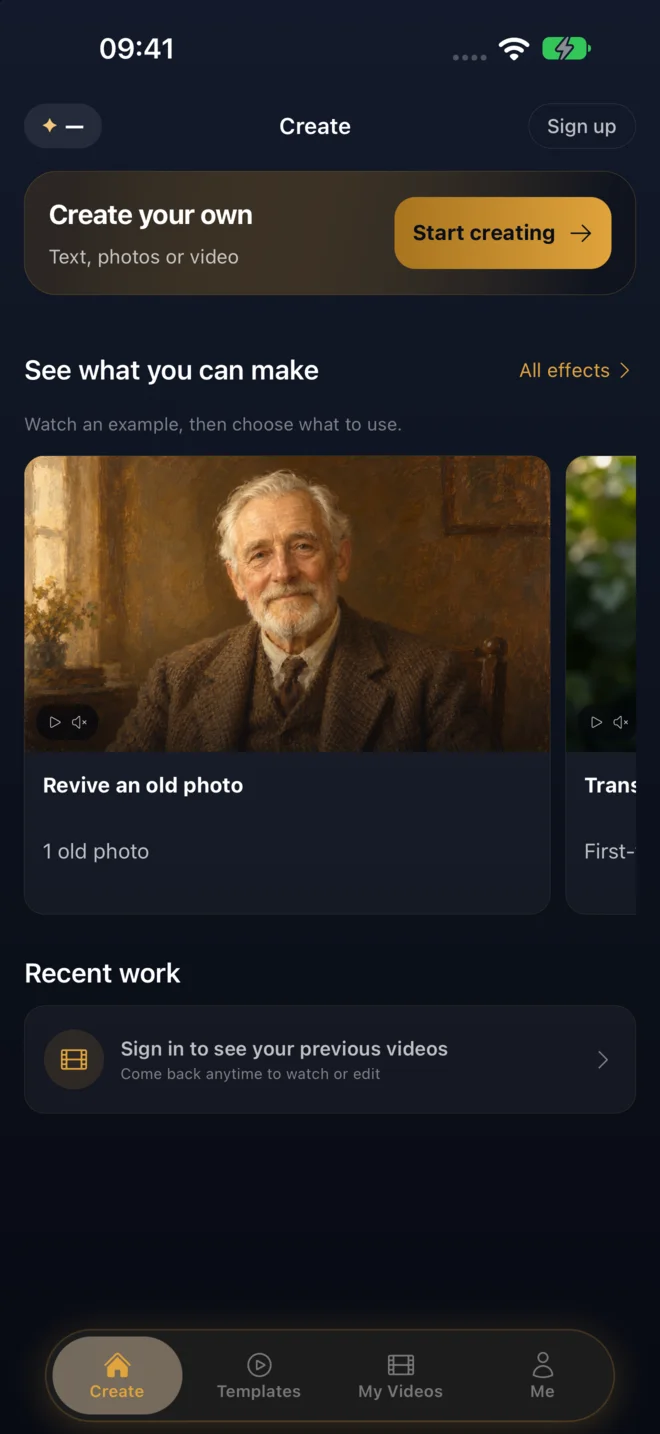
Inside the app
One place to begin. A clip to keep.
Start fresh or browse · Make it yours · Come back for your video
Your next photo already has a line
Let the moment speak.
Download Talking Photo and make the first clip from something already in your camera roll.